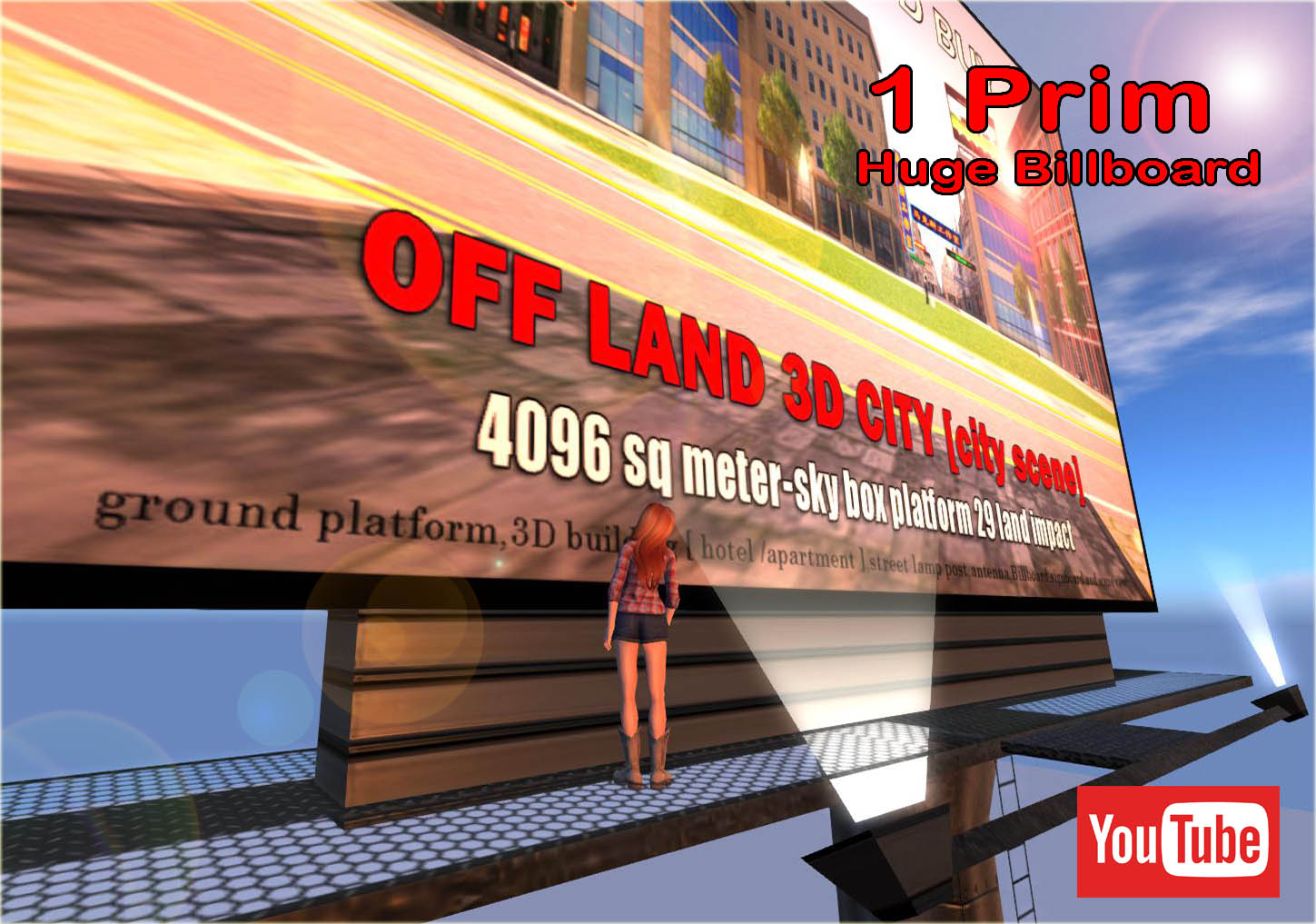
# 100% mesh
# signboard size [16m X 26m] 2 face
(for 2 static advertisement (image)
also can watch video when you change adv texture to media.
# Billboard tall is 36.5 meter high
# 4 nos spotlight with light beam
# metal ladder
# walk able platform
# Low LOD= visible for 2 Sim away.
# billboard shadow [ with shadow map]
# billboard texture [with texture map]
# Bump map
# all the texture is in the object contain [texture in full perm]
# No refund for copy able Item
# 100% mesh
# signboard size [17.5m X 6m] 2 face
(for 2 static advertisement (image)
also can watch video when you change adv texture to media.
# Billboard tall is 25 meter high
# 4 nos spotlight with light beam
# metal ladder
# walk able platform
# billboard shadow [ with shadow map]
# billboard texture [with texture map]
# Bump map
# all the texture is in the object contain [texture in full perm]
# No refund for copy able Item
#100% Mesh
# only 1 land impact
# size : 14m X 14m X 17 meter high
# use texture moving script
# including texture map - branches,leaves and shadow
# copy and modify version fot prim
# copy version for script.
# full perm for texture map.
# No refund for copy able Item
Free Bonus
Free 26 meter high Oak Tree
##100% Mesh
# only 1 land impact
# size : 20m X 20m X 26 meter high
# use texture moving script
# including texture map - branches,leaves and shadow
# copy and modify version for prim
# copy version for script.
# full perm for texture map.
#No refunds on copied items.
Skybox Retail Store for Fashion ,hair , jewelry,skin and other Business ,
FEATURES
#100 mesh
# 32 meter X 19 meter X 10 meter
# Only 26 Land Impacts
# Building Structure :-
,sky-box shell,windows glass,elevator door,wall counter,staircase
wooden vertical blind,city scenery screen,main entrance door,
wall poster,[script] teleport into store,with lighting
# 112 land impact [building structure and landscape]
a. 2 story showroom, office and big sign board
b. staircase /railing to 1st floor show room
c. big garage with windows and roller shutter door [for public or give perm]
d. Ramp up for entrance showroom and ramp up for 1st floor showroom.
e. packing lot and landscaping -hedge and palm tree.
# 128meter X 64 meter Base.
# Using Auto-REZ FAUX system
# Using Kool Doors system - for swing glass door and Roller shutter door.
How to rez the Motor showroom-Garage use Auto-Rez Faux System
1) Take out [rez-motor showroom2017 V1.0] (Package Crate)from your inventory
put it at your land center ( where do you want to put your building)
2) Click on the Package Crate and select 'Rez'.
3) Edit the Package Crate and move it to adjust the location of the build.
4) Click on 'Derez' to put the build away(delete) or
5) click 'Save' to lock that build into place. Once it is saved, it cannot be moved again
or Derezed.
NOTE:
If you do not 'Save' a build you have 'Rez'ed it will disappear when
the Package Crate is removed. Be sure to 'Save' when finished in order
to conserve sim resources,